If a setup script on your Mac CI runner turns on automation mode for UI tests, it will stop working on macOS 27.3. In the macOS 27.3 beta, automationmodetool enable-automationmode-without-authentication no longer accepts an administrator password from standard input. It always asks in the UI, with Touch ID or a password. Apple’s fix is a one-time step: log in to the admin account in the GUI, run the command once there, and the setting persists across restarts. Do that on every runner before 27.3 reaches it.
This post is a docs review of the macOS 27.3 Golden Gate beta 2 release notes (developer beta 2 seeded 16 November 2026, build 26C5047e) against what Apple and CI vendors documented for earlier macOS versions. 9to5Mac expects the final release in December 2026, with no day named yet.
Why we did this: our Mac apps Nix and OneClick QuitAll, and Cardigami on iPhone, all have Xcode UI tests, and a Mac that runs UI tests unattended is exactly the machine this change hits.
What the release note says
The item sits under Testing, New Features, in the macOS 27.3 beta 2 release notes (Apple’s ID 173706149). In short:
automationmodetool enable-automationmode-without-authenticationno longer takes an administrator password from standard input.- It always prompts for authentication in the UI, with biometrics or a password.
- To turn the mode on, log in to the macOS administrator account through the UI and run the command at least once.
- The setting persists across restarts.
The notes do not say which beta introduced it, so treat it as “in the 27.3 beta”. There is no matching known issue, and the Xcode 27.3 beta 2 release notes do not mention automation mode at all. They do add UI tests written with Swift Testing and XCUIAutomation, and an XCUIHinge class for iPhone Duo, which is a good reason to be running UI tests on 27.3 soon.
Before and after, side by side
| macOS 27.2 and earlier | macOS 27.3 beta | |
|---|---|---|
| What the tool is for | Lets Automation Mode turn on for UI tests without asking a user, meant for CI machines and labs (man page) | Same purpose (release notes) |
| Admin password on standard input | Accepted, which is why scripts could pipe it in (release notes, by implication) | Not accepted (release notes) |
| How you authenticate | System dialog, or a password piped in by a script | Always a UI prompt: Touch ID or password |
| Where it can run | Any shell, including a CI job over SSH with sudo (Bitrise) |
Once, from a logged-in admin session in the GUI |
| After a restart | Setting kept | Setting kept (release notes) |
| No argument | Prints whether Automation Mode is on and whether it needs authentication (man page) | Not mentioned in the notes |
The forum thread that many teams found on macOS Sequoia, “XCTest UI Tests Trigger Password Prompt on macOS Sequoia” (July 2025), ends with the same command as the fix. It still is the fix on 27.3; only the way you run it changes.
What breaks in a CI setup script
Most runner provisioning does one of these two things, usually in a bootstrap script or a CI step:
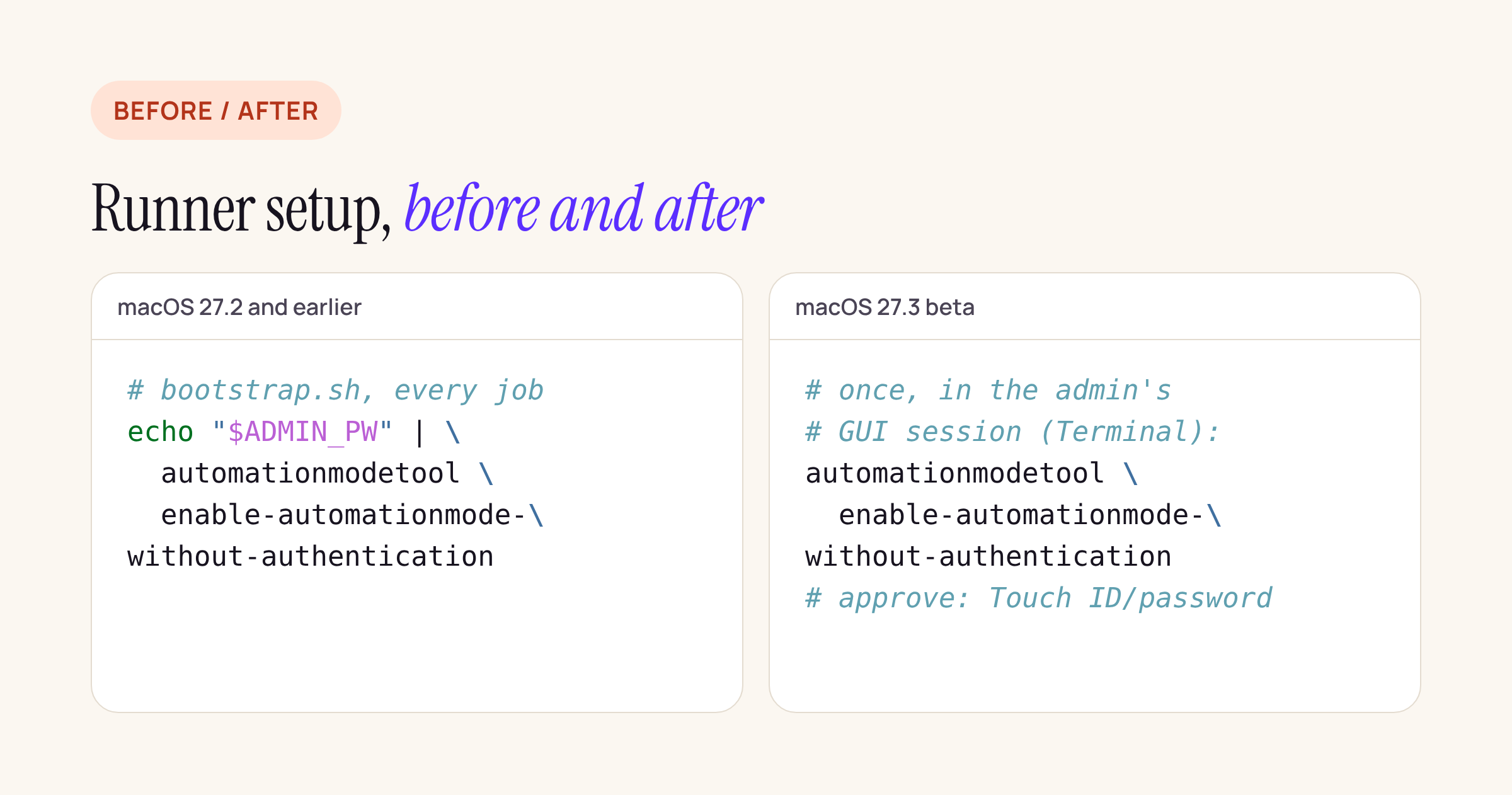
The left side is what the release note rules out: a password arriving on standard input. The right side is what Apple asks for instead.
The Bitrise guide (December 2025) recommends a script step with sudo automationmodetool enable-automationmode-without-authentication to fix “Timed out while enabling automation mode”. On 27.3 the release note says the tool always prompts in the UI, so a step like that, run from a job with no one at the screen, should not be relied on to finish. Keep the step only if your runner was already set up by hand; then it changes nothing.
The symptom to look for after an update is the one in the Bitrise article: UI test runs that time out while enabling automation mode, while unit tests on the same runner still pass.
The one-time step, per runner
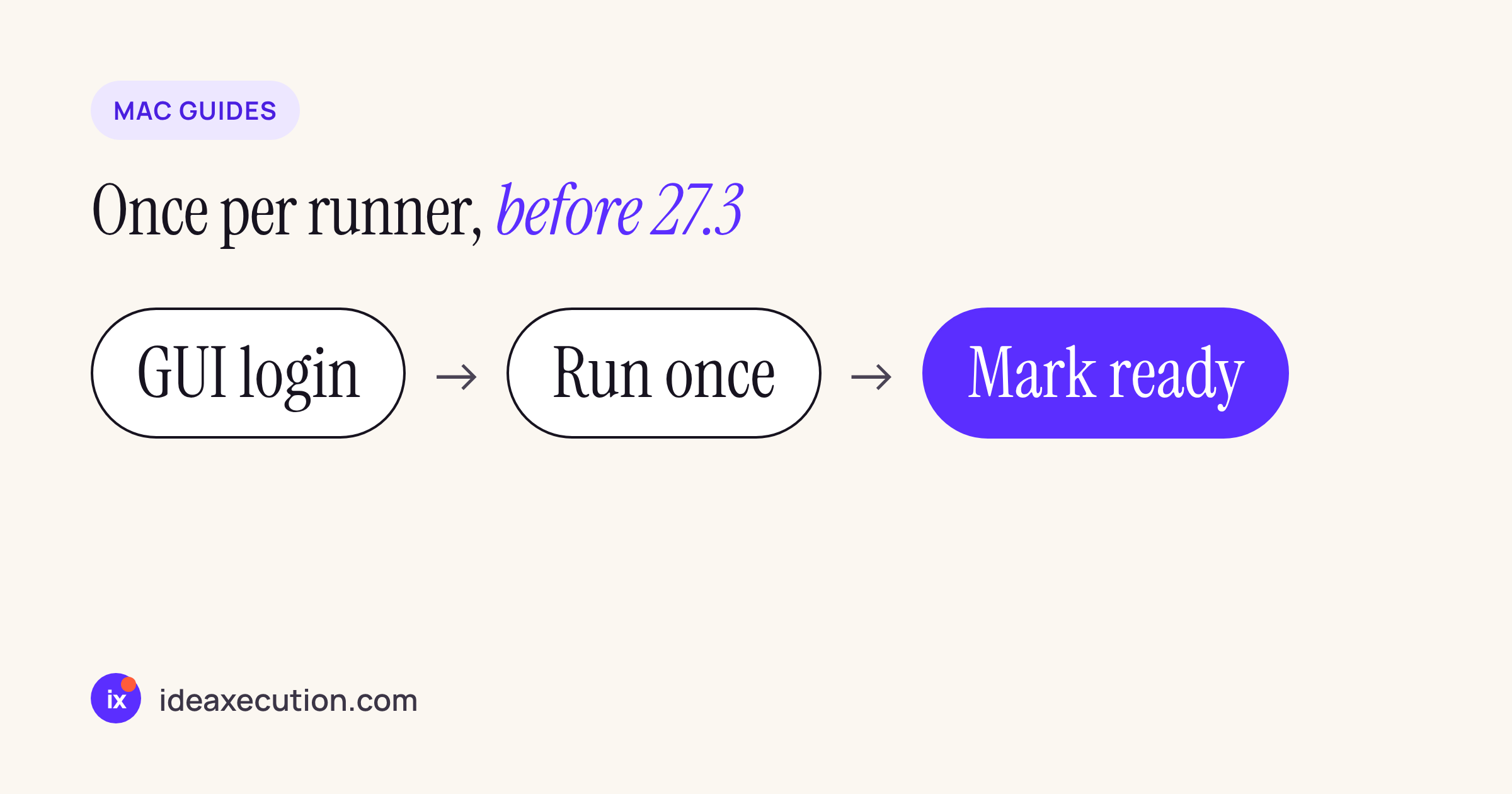
- Log in to the runner’s macOS administrator account in the GUI: at the screen, or over Screen Sharing.
- Open Terminal there and run
automationmodetool enable-automationmode-without-authentication. Approve the prompt with Touch ID or the password. - Record that the runner is done, for example in its environment, so jobs can check it.
Run automationmodetool with no argument afterwards; the man page says it prints whether automation mode needs authentication. Because the setting persists across restarts, this is once per machine, not once per job. If you do it on 27.2 already, run automationmodetool with no argument again after the 27.3 update to confirm the setting carried over.
Two cases need more planning:
- Ephemeral runners that are rebuilt from an image for every job. The step has to be in the image, done once from a GUI session on the image’s admin account before it is captured. Whether a captured setting survives your image tooling is something to verify on your own setup.
- Hosted runners (GitHub Actions, Bitrise, Xcode Cloud and others). The vendor controls the image, so watch their 27.3 image notes rather than adding a step yourself.
A preflight that fails fast
A UI test job that hangs until a timeout wastes a runner for minutes. A small preflight check at the start of the job turns that into a clear failure. Treat this as a starting point to adapt to your CI:
#!/usr/bin/env bash
# ci-automation-preflight.sh [macos-version]
# Before UI tests: on macOS 27.3 and later, automation mode
# must already be set up from a GUI session. Fail early.
v="${1:-$(sw_vers -productVersion)}"
IFS=. read -r major minor _ <<< "$v"
minor=${minor:-0}
if (( major > 27 || (major == 27 && minor >= 3) )); then
  echo "macOS $v: one-time GUI setup required"
  if [[ -n "${CI_AUTOMATION_READY:-}" ]]; then
    echo "runner marked ready, continuing"
  else
    echo "set CI_AUTOMATION_READY=1 after the setup"; exit 1
  fi
else
  echo "macOS $v: scripted setup still works"
fi
The version logic is plain Bash, so we tested it on a Linux test server by passing versions in, the way sw_vers would report them on a Mac:
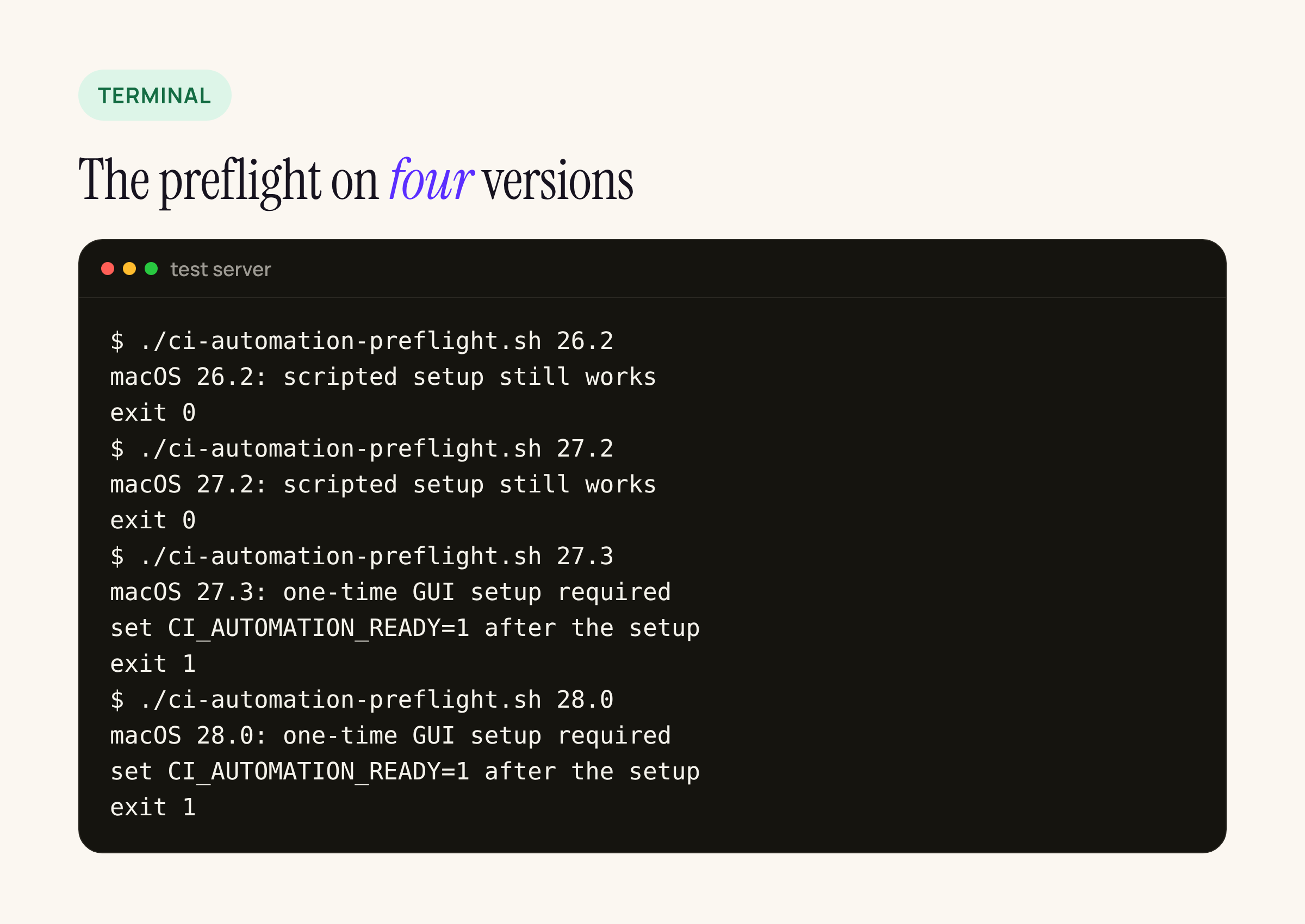
Real output from our test server (Bash 5.2). On a Mac, run it with no argument and it reads the version from sw_vers.
CI_AUTOMATION_READY is a flag you set yourself in the runner’s environment after step 2 above. It is a marker, not something macOS reports.
What to check on your own runners
- List every place that calls
automationmodetool: bootstrap scripts, Ansible or Chef roles, CI YAML, image build files. Search for the tool name and for any password variable piped into it. - Pick a person and a time to do the GUI step on each self-hosted runner before 27.3 lands, and remove any stored admin password that only existed to feed this command.
- Pause automatic macOS updates on runners until the step is done, so a December update does not take your UI tests down overnight.
- Watch the 27.3 release candidate notes. Apple may document more about this before the final release.
If you are setting up a Mac for CI anyway, our notarytool CI script covers the signing side of the same machine.