To send a Makar Sankranti card from your iPhone, you have three built-in options in Messages and one card option. Write your greeting and add a full-screen effect, write it by hand, or schedule it with Send Later so it arrives on the morning of Friday 15 January 2027 (Apple allows scheduling up to 14 days ahead, so the window opens on 1 January). For a card that opens like paper, the pop-up card app Cardigami gets a Kites card on 8 January, with kites rising over the rooftops as the card opens.
This guide covers iOS 26 and iOS 27. Every built-in step comes from Apple’s support pages, linked where it is used. Why we wrote it: we make Cardigami in Bhilai, and Sankranti is the morning our own families spend on the terrace with a spool of manja. After our Christmas and Three Kings’ Day guides, it is the next date we wanted a good answer for.
When is Makar Sankranti in 2027?
Makar Sankranti falls on Friday 15 January 2027, according to Drik Panchang. Some states keep the holiday on 14 January, so check the date your family follows before you schedule anything. The steps below work for either day, and for Uttarayan, Pongal, Lohri or Bihu greetings too.
Way 1: a Sankranti message with a full-screen effect
Messages can play an effect across the whole screen when your greeting arrives. Apple’s steps, from Use message effects with iMessage on your iPhone and iPad:
- Open Messages and start a new message or open the conversation.
- Type your greeting, for example “Happy Makar Sankranti! Til gud ghya, god god bola.”
- Touch and hold the Send button, then tap Screen.
- Swipe left to see the full-screen effects and stop on the one you want (the balloons fit a sky full of kites).
- Tap the Send button.
For a quieter greeting, touch and hold the Send button and tap the grey dot next to a bubble effect to preview it instead. They can watch the effect again with the Replay button under the message. Apple notes two limits on the same page: message effects need iMessage, and if someone cannot see effects, their Reduce Motion setting is the first thing to check.
Way 2: a handwritten greeting
A few words in your own hand are the closest thing to the card a grandparent would post. Apple’s steps, from the same support page, under sending a doodle or handwritten message:
- In the conversation, tap the More button (+).
- Tap Drawing.
- Write your greeting, or draw a kite and its string with your finger.
- Tap Done, then tap Send.
Messages plays it back on their phone as if it is being written in front of them.
Way 3: schedule it for the morning of Sankranti
The kites go up early, and by noon most families are on the roof. A greeting that is already waiting when they wake up fits the day better than one sent in the evening. Apple’s steps, from Schedule a text message on iPhone to send later:
- Open the conversation in Messages.
- Tap the Add button (+), then tap Send Later.
- Tap the time and choose 15 January (or 14 January) and the hour you want.
- Type your message, then tap the Send button.
The text field gets a dashed border so you can see the message is scheduled. To change the words, touch and hold the scheduled bubble and tap Edit; to cancel it, touch and hold and tap Delete. Scheduling works with iMessage, and you need to be online to edit or delete a scheduled message. Because of the 14-day limit, the earliest day you can schedule a greeting for 15 January is 1 January.
Way 4: a pop-up kite card that opens on screen
The first three ways are text with decoration. If you want the card itself, with a fold and a scene that stands up as it opens, that is what we built Cardigami for. It is an iPhone app for any iPhone on iOS 27.1 or later, including iPhone Duo. Nine pop-up cards are in the app today, and six more arrive through the winter, each on its day. Kites is one of them: it arrives in the app on 8 January, a week before the festival.
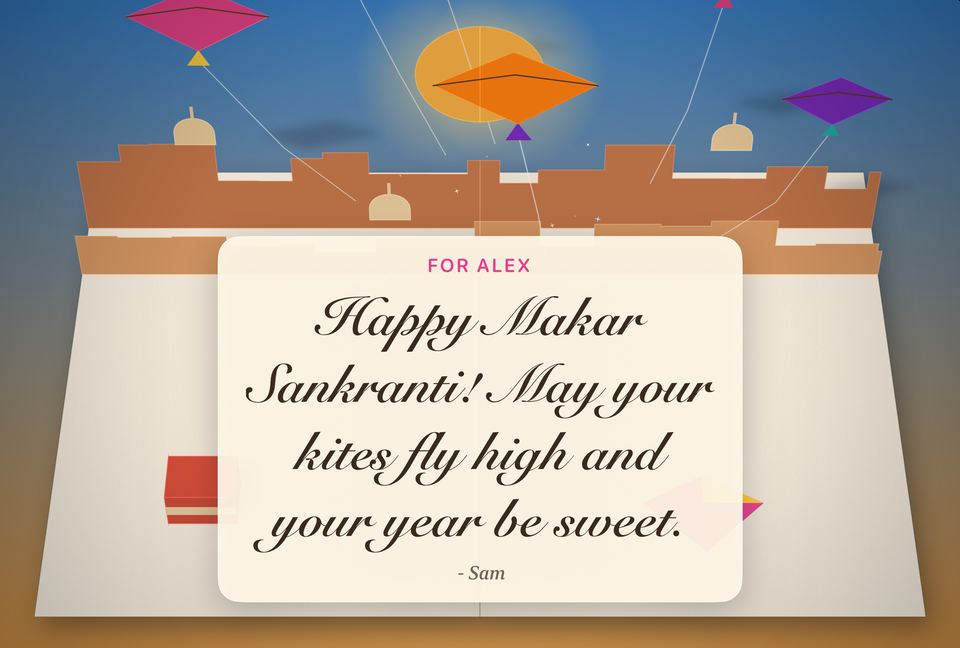
The Kites card, which arrives in Cardigami on 8 January.
Until 8 January the card sits under “Coming soon” in the app, with a “Remind me” button. Tap it and your phone shows a notification on the day the card arrives, which leaves you a week to write it.
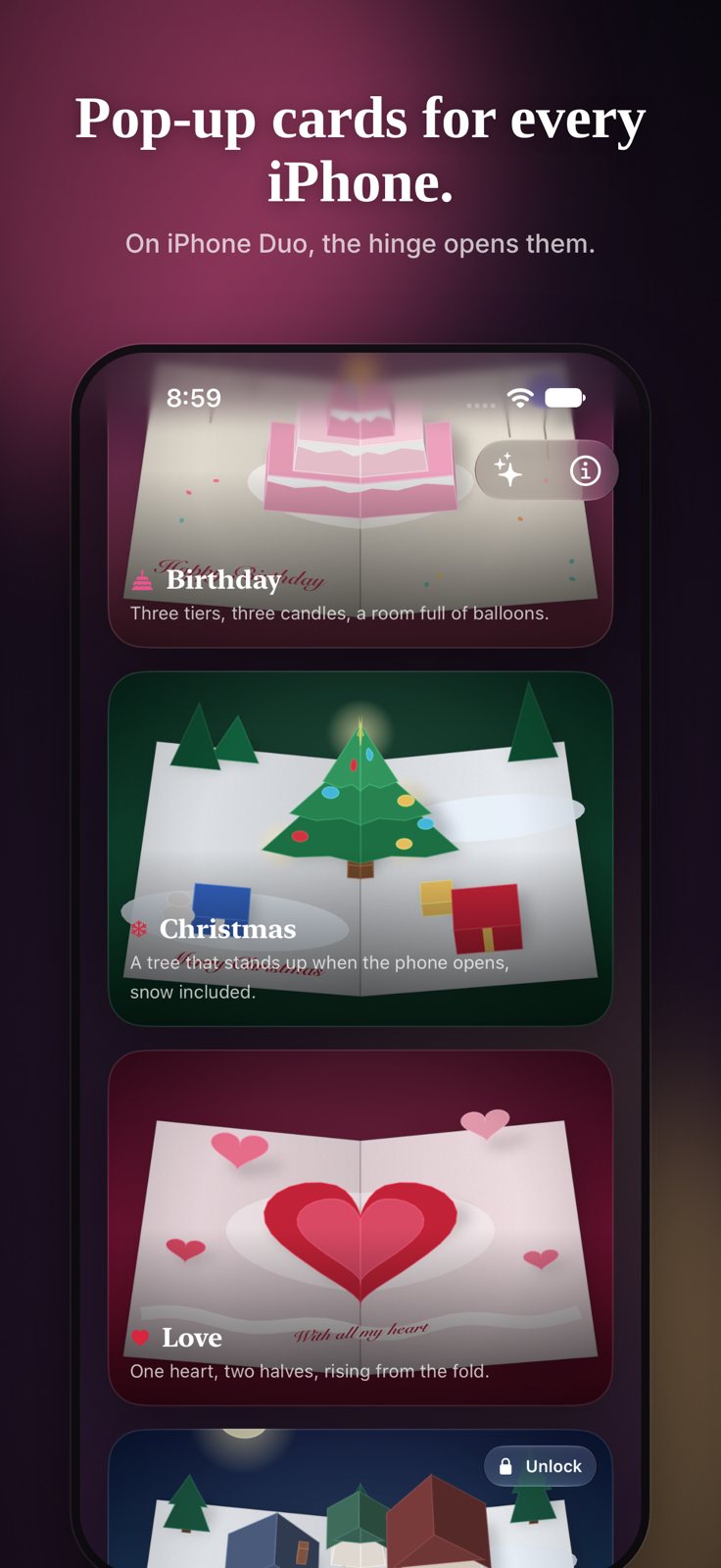
The card picker in Cardigami on iPhone.
How to make the card:
- Before 8 January: open Cardigami, find Kites under “Coming soon” and tap “Remind me”.
- From 8 January: open the Kites card and write a “to”, a “from” and your message.
- Drag the slider in the editor to preview the fold.
- Give it one of three ways: hand the closed phone over, tap “Share link” (the link opens in Cardigami, or plays in their browser if they do not have the app), or tap “Save video” and send the video in Messages, WhatsApp or any other app.
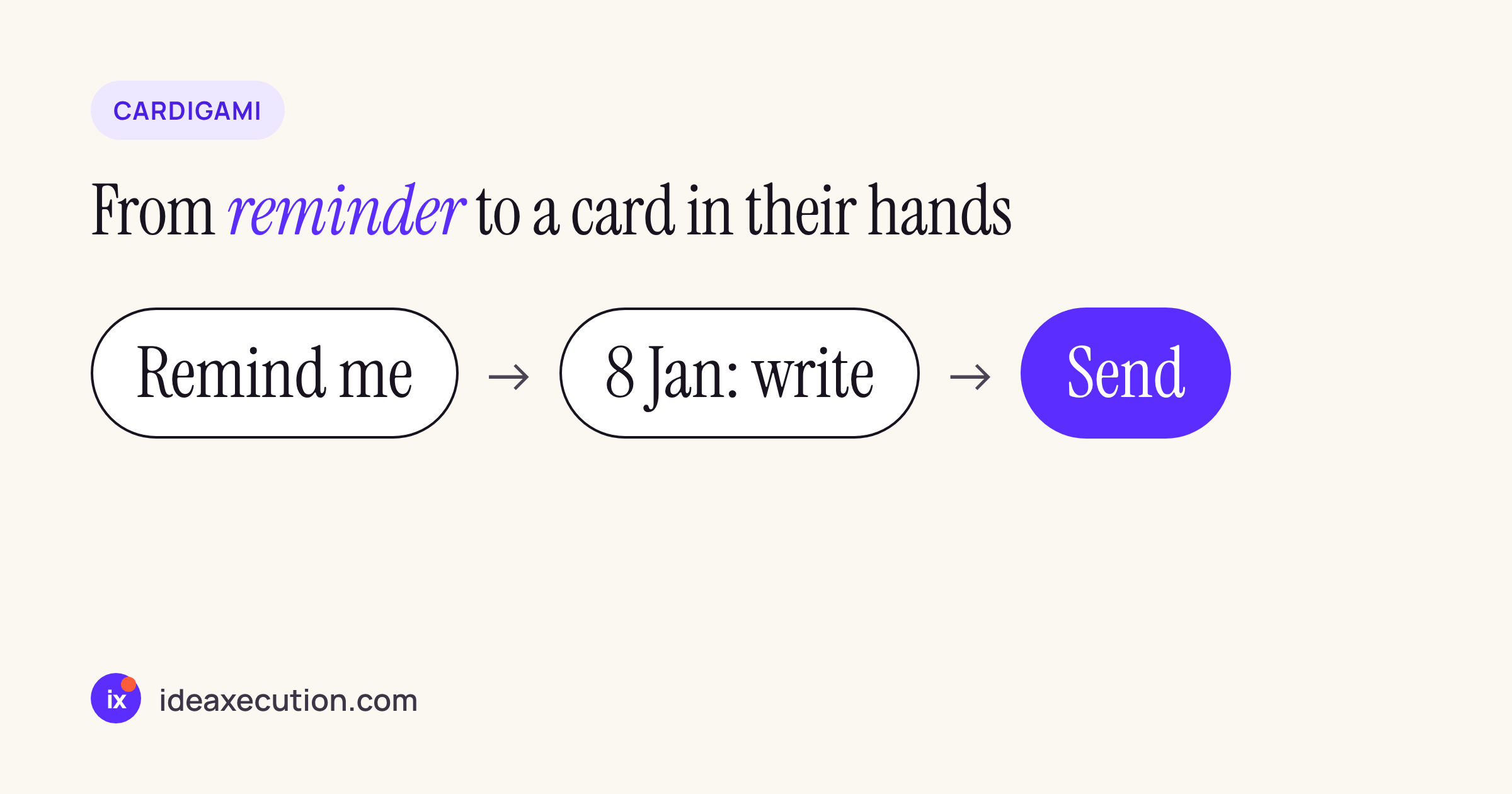
The whole flow, from the reminder to a card you can share.
Kites is part of the one purchase that unlocks every card in the app, including the six arriving this winter, with no subscription. Birthday, Christmas and Love are the three free cards, so you can try how a pop-up card feels before then.
For family on Android and WhatsApp: send a link or a video
In many Indian families, part of the group chat is on Android, and the greeting goes round on WhatsApp. Ways 1 to 3 rely on iMessage, so they do not reach those phones the same way. Cardigami covers both: “Share link” sends the card itself, which plays in their browser if they do not have the app, and “Save video” makes a vertical video of the card opening that plays on any phone and in any messaging app, family groups and Status included.
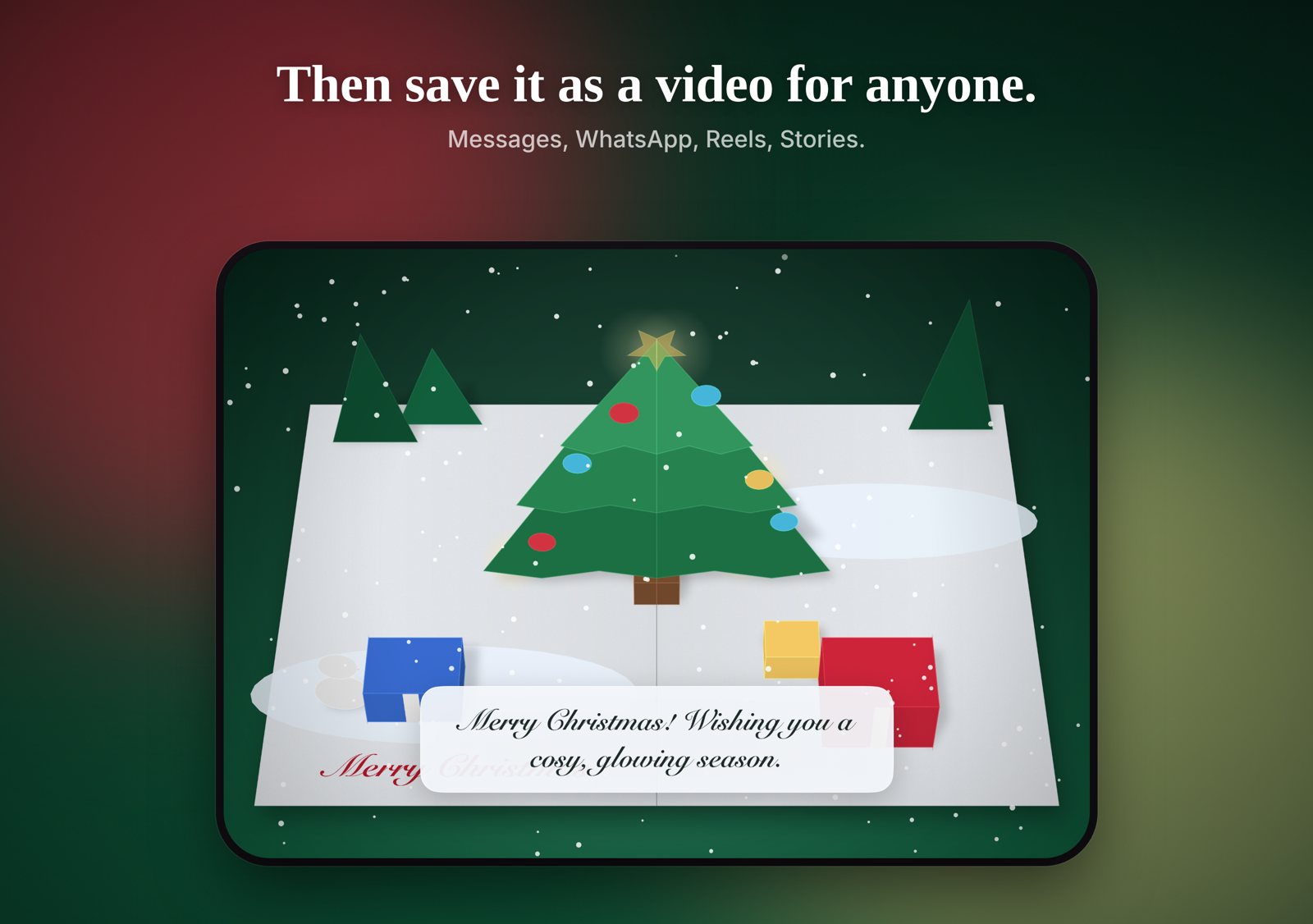
Saving a card as a video to send in any messaging app.
Cardigami has no account, no ads and no tracking, and the app collects no data. A card leaves your phone only when you share it, as a link or a video, and a link carries only the card and its words.
On iPhone Duo, the hinge opens the card
On other iPhones, the person drags the card open. On iPhone Duo the card follows the hinge: hand someone the closed phone, and as they unfold it the kites rise from the fold with your message inside. On the terrace between two kites, that is the closest a phone gets to handing over a paper card.
Which way to pick
- Something quick with a bit of drama: Way 1, a full-screen effect (needs iMessage).
- Your own handwriting: Way 2, a drawing in Messages (needs iMessage).
- Arriving on the morning of 15 January: Way 3, Send Later (iMessage, up to 14 days ahead, so from 1 January).
- A card that opens like paper: Way 4, Cardigami’s Kites card (iOS 27.1 on your iPhone, from 8 January).
- Family on Android or WhatsApp: Way 4 as a link or a saved video.
Common questions
Can I send a Makar Sankranti card from iPhone to an Android phone?
Message effects, handwritten messages and Send Later rely on iMessage, so they do not reach Android phones the same way. A Cardigami link plays in their browser, and a saved video plays in WhatsApp or any other messaging app.
When does the Kites card arrive in Cardigami?
On 8 January 2027. Until then it shows under “Coming soon”; tap “Remind me” to get a notification on the day.
Does the person receiving the card need Cardigami?
No. A shared link plays in their browser if they do not have the app, and a video plays anywhere.
Can I schedule a WhatsApp greeting the same way?
Send Later is a Messages feature and works with iMessage only. For WhatsApp, save the card as a video ahead of time and send it in the morning.