Short answer: a React Native app built from the default template already does the hard part of Play’s new adaptive Tier 3 rule: its MainActivity handles rotation, fold and resize itself, so the JavaScript state is not thrown away. What breaks is the portrait lock. The React Native 0.89.0-rc.2 template moves targetSdkVersion from 36 to 37, and from API 37 Android ignores setRequestedOrientation() and android:screenOrientation on screens 600dp wide or more, with no opt-out left. Every library that locks orientation becomes a no-op on tablets and unfolded foldables, and your layout has to cope.
This is a source audit: we unpacked the npm packages of react-native 0.88.1 and 0.89.0-rc.2, the community template for both, and 33 common libraries, and searched their Android code. Runtime behaviour on a device is outside this post.
Why we did this: our Beacon-type banking apps and Shopkeeper ship portrait-locked on Android, and Google’s Tier 3 announcement of 18 Nov 2026 says apps that letterbox or lose state on rotation, fold and resize will be blocked from updates from April 2027. Our Tier 3 checklist for native apps covers the general rule; this post is the React Native layer only.
The template change that matters: targetSdk 37
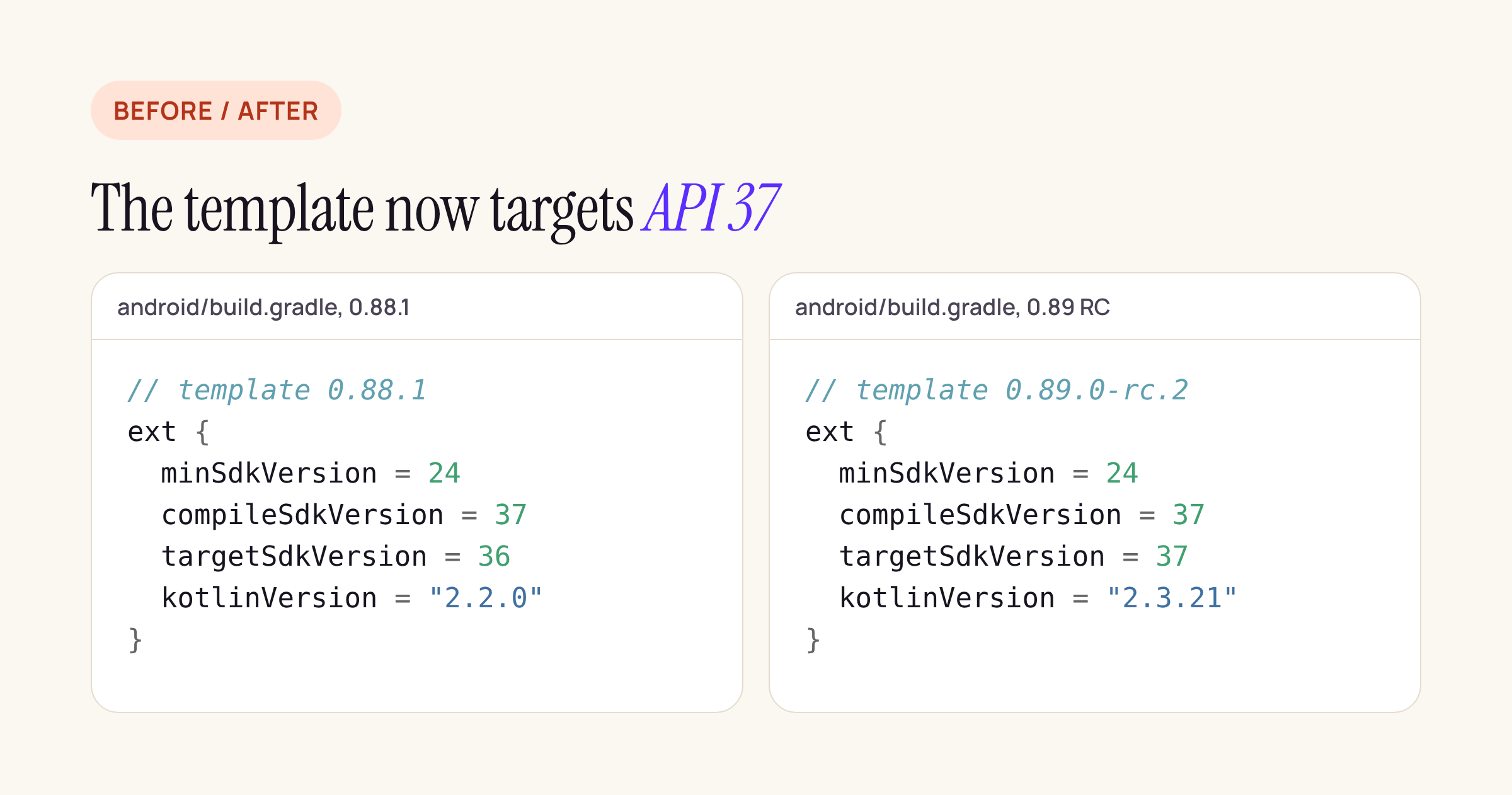
From the @react-native-community/template packages on npm.
Diffing the two templates, the Android changes are small: targetSdkVersion 36 to 37, NDK 27.1 to 28.2, Kotlin 2.2.0 to 2.3.21, and MainActivity drops the fabricEnabled argument. The AndroidManifest.xml is byte-for-byte the same.
The target bump is the one that changes behaviour. Android 16 already ignores screenOrientation, resizeableActivity, minAspectRatio, maxAspectRatio and setRequestedOrientation() on displays with a smallest width of 600dp or more, for apps targeting API 36. At 36 you can still opt out with a manifest property:
<activity android:name=".MainActivity" ...>
    <property
        android:name="android.window.PROPERTY_COMPAT_ALLOW_RESTRICTED_RESIZABILITY"
        android:value="true" />
</activity>
The Android 17 behaviour changes say this opt-out “will no longer be available for apps that target Android 17 (API level 37) or higher”. So an app on RN 0.88.1 with target 36 can buy time with the property; an app that takes the 0.89 template values cannot. Phones below 600dp keep honouring the lock, and games (by android:appCategory) are exempt.
What the template already gets right
The template’s MainActivity declares:
android:configChanges="keyboard|keyboardHidden|orientation|screenLayout|screenSize|smallestScreenSize|uiMode"
With orientation, screenSize, smallestScreenSize and screenLayout handled by the app, Android does not recreate the activity when the phone rotates, unfolds or enters split screen. The React instance and all JavaScript state stay alive, which is the “keeps state on rotation, fold and resize” half of Tier 3, for free.
The resize still reaches JavaScript. In the 0.89.0-rc.2 sources, ReactRootView‘s onGlobalLayout() calls checkForDeviceOrientationChanges() and checkForDeviceDimensionsChanges() on every layout pass, and DeviceInfoModule.emitUpdateDimensionsEvent() sends didUpdateDimensions to JS when the cached metrics differ. That event is what drives useWindowDimensions():
// Re-renders on rotate, fold and split screen
const { width } = useWindowDimensions();
const columns = width >= 600 ? 2 : 1;

// Read once at import time: goes stale after a resize
const { width: stale } = Dimensions.get('window');
Those four files (ReactRootView.java, ReactActivity.java, ReactDelegate.kt, DeviceInfoModule.kt) differ by at most a few lines between 0.88.1 and 0.89.0-rc.2, so the behaviour above holds for both.
Two gaps worth knowing. density is not in the configChanges list, so a density change (moving to an external display, or changing the display size setting) still recreates the activity; persist what matters. And anything native that caches a screen size at startup, outside React, will not hear about the resize.
Which libraries lock orientation
We searched the Android sources of every package for setRequestedOrientation, requestedOrientation =, screenOrientation, resizeableActivity and the aspect-ratio attributes, skipping comments.
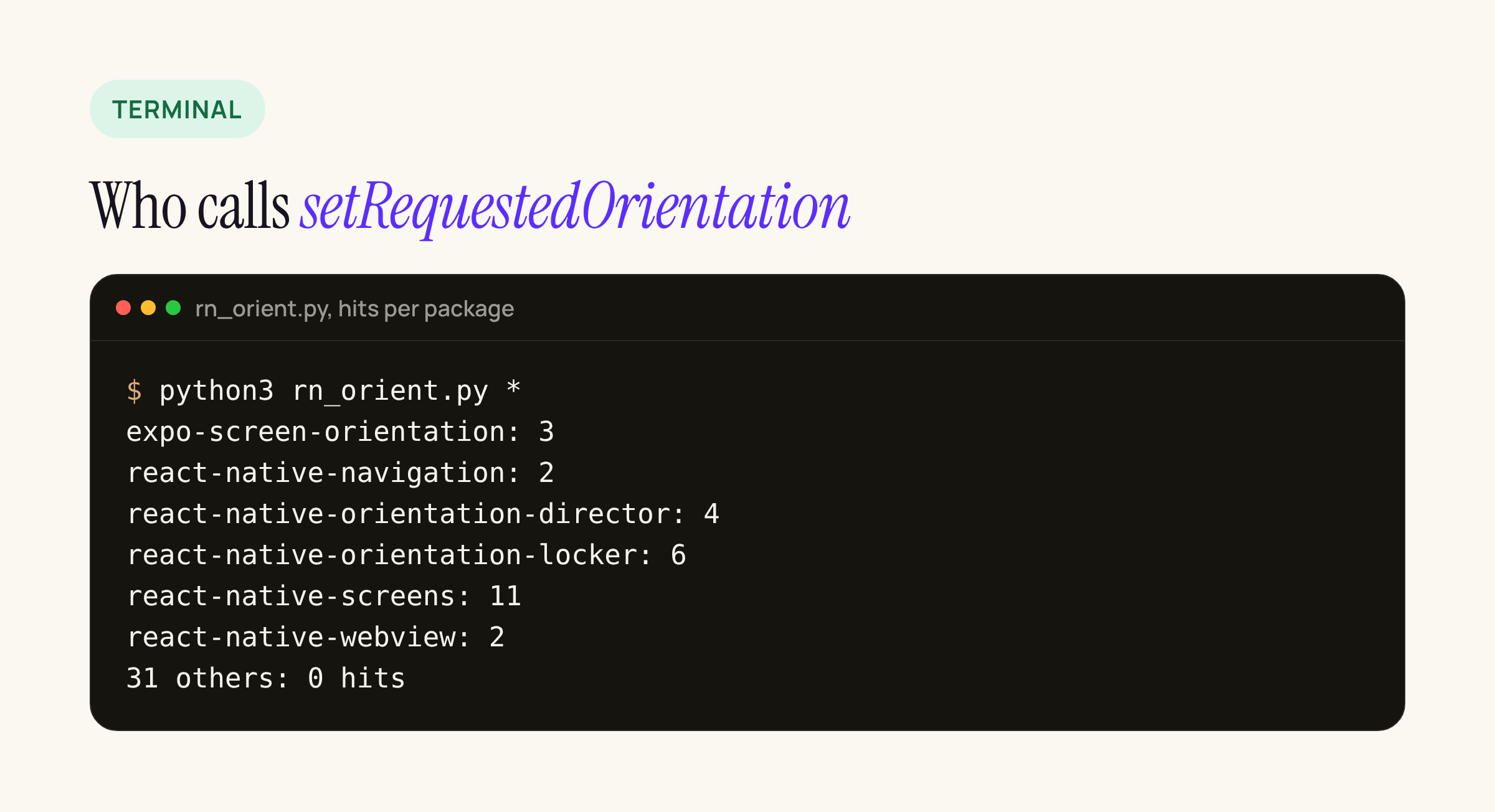
Real output from our scanner, packages with no hits left out.
| Package | What it does (file and line) |
|---|---|
| react-native-orientation-locker 1.7.0 | lockToPortrait( and friends call setRequestedOrientation (OrientationModule.) |
| react-native-orientation-director 3.1.0 | sets requestedOrientation on lock and unlock (OrientationDirectorModuleImpl.) |
| expo-screen-orientation 58.0.4 | lockAsync( sets requestedOrientation (ScreenOrientationModule.) |
| react-native-screens 4.30.1 | the screenOrientation screen option sets requestedOrientation (ScreenWindowTraits.) |
| react-native-navigation 8.9.0 | the orientation layout option calls setRequestedOrientation (Presenter.) |
| react-native-webview 14.0.1 | unlocks orientation for fullscreen video and restores it after (RNCWebViewManagerImpl.) |
No hits in react-native itself, either template, or the other 27 libraries we checked, including vision-camera 5.2.4, video 6.19.3, reanimated 4.7.2, gesture-handler 3.5.0, safe-area-context 5.11.1, keyboard-controller 1.23.1, bootsplash 7.3.5, edge-to-edge 1.8.2, maps 1.29.11, pdf 7.0.5, flash-list 2.3.3 and Firebase app 27.1.1. None of them declares resizeableActivity or an aspect ratio in a library manifest that would merge into your app.
Two notes on the table. react-native-orientation-locker 1.7.0 was last published in April 2024 and its build.gradle still defaults targetSdkVersion to 26; it does not break, it just stops locking on large screens. And react-native-screens is the one most apps carry without knowing: if your navigator sets screenOrientation: 'portrait', that is a lock.
What to change before April 2027
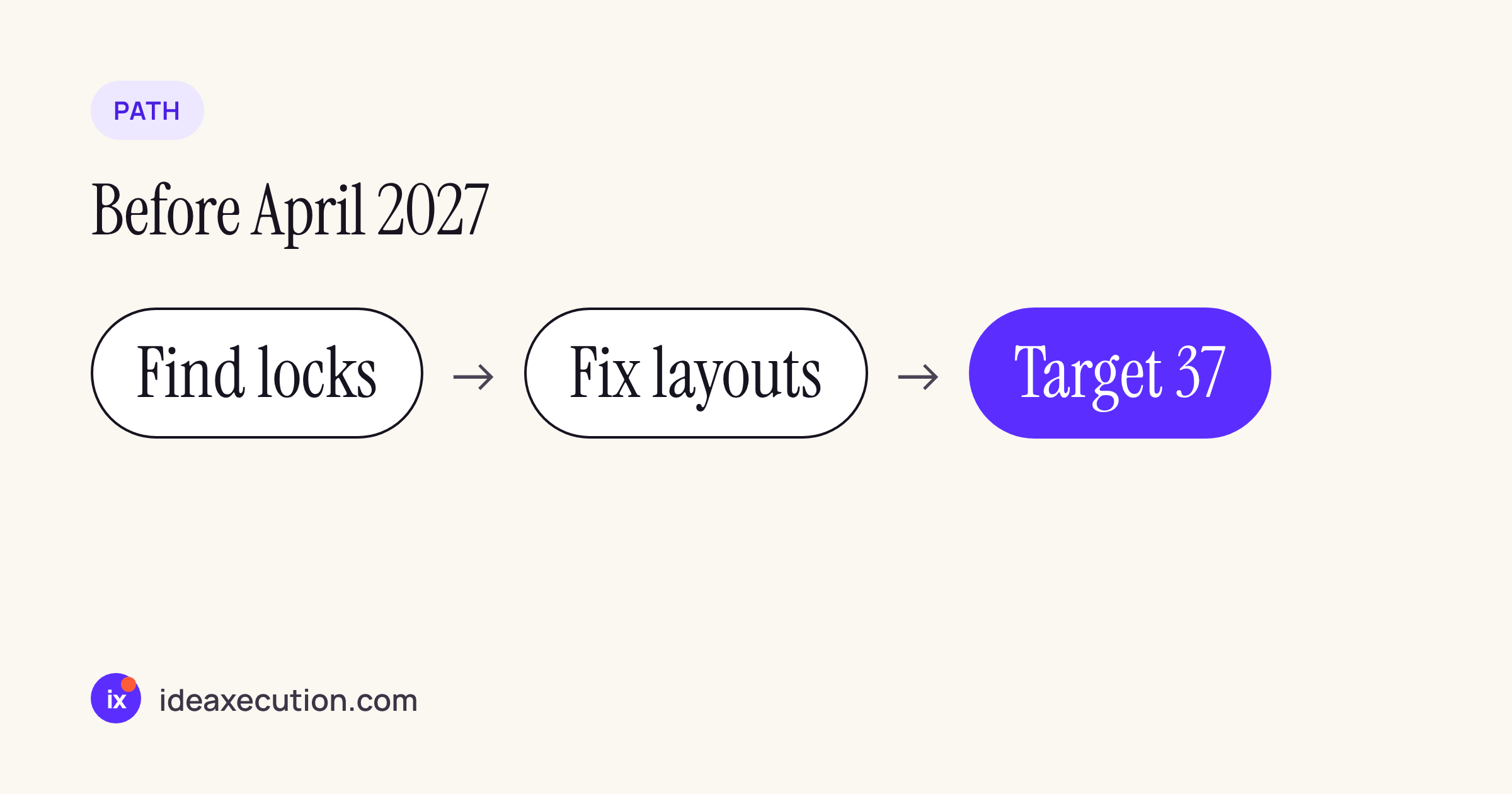
- Find your locks. Search your own
AndroidManifest.xmlforscreenOrientation, and your JS forlockToPortrait,lockAsync,screenOrientation:andorientation:in navigator options. The scanner below does the native side fornode_modules. - Decide per screen. Keep the lock for phones if you like: it still works below 600dp. On large screens the screen will rotate, so the layout must survive landscape at tablet width. Use
useWindowDimensions(), notDimensions.get()at module scope, and switch to two columns at 600dp. - Then raise the target. If you need more time while on RN 0.88, the
PROPERTY_COMPAT_ALLOW_RESTRICTED_RESIZABILITYproperty above keeps the old behaviour at target 36. It stops working the day you move to 37, and the 0.89 template moves you there.
#!/usr/bin/env python3
"""List orientation and resizability calls in the Android sources of npm packages."""
import pathlib, re, sys
PAT = re.compile(r"setRequestedOrientation|requestedOrientation\s*=(?!=)|screenOrientation|resizeableActivity|maxAspectRatio|minAspectRatio")
EXT = {".kt", ".java", ".xml"}
for pkg in sys.argv[1:]:
    root = pathlib.Path(pkg)
    hits = []
    for f in sorted(root.rglob("*")):
        if f.suffix not in EXT or "/android/" not in f.as_posix() and "ReactAndroid" not in f.as_posix():
            continue
        for i, line in enumerate(f.read_text(errors="ignore").splitlines(), 1):
            if PAT.search(line) and not line.strip().startswith(("//", "*", "/*")):
                hits.append(f"{f.relative_to(root)}:{i}: {line.strip()[:90]}")
    print(f"{root.name}: {len(hits)}")
    for h in hits:
        print("   ", h)
python3 rn_orient.py node_modules/* node_modules/@*/*
Google’s adaptive app quality guidelines list the tests Play will apply. For a React Native app the order above usually means the work is layout, not native code: the template already keeps your state, and the locks are going away whether you remove them or not.