If your iOS app moves money, the API to look at is Trust Insights, not DeviceCheck. On iOS 27.0 and iPadOS 27.0 it gives you IsLikelyBeingCoachedInsight, which answers one question at the moment of a transfer: is this person likely being talked through it by someone else? The answer is unknown, medium or high. You need the com.apple.developer.trustinsights.base entitlement, the customer’s permission, and a real-time report back to Apple of what you did with the answer. The one rule to build around: Apple says never treat unknown or a missing value as low risk.
This post is a review of Apple’s Trust Insights reference (iOS 27.0, iPadOS 27.0, Mac Catalyst 27.0), WWDC26 session 379 “Meet Trust Insights”, the DeviceCheck page “Assessing fraud risk” and Apple Support article 127906, read on 26 November 2026. The Swift below follows the session’s own code; treat it as a starting point and compile it against the iOS 27 SDK.
Why we did this: we build Beacon-type banking apps for clients, and in our post on banks and AI agents the last row of the table was “ask iOS 27 for a risk level before a transfer”. This is the how.
Three Apple features with “risk” in the name
Searching Apple’s documentation for scam or fraud risk turns up three separate things. They answer different questions, and only one of them runs in your payment flow.
- Trust Insights (reference, WWDC26 379): runs in the app on iOS 27.0+ and iPadOS 27.0+, and returns
unknown,mediumorhighfor one operation. - App Attest risk metric (Assessing fraud risk): your server asks Apple’s App Attest data endpoint and gets a count of attested keys for the device over 30 days.
- Impersonation Risk Detection (Apple Support 127906): a user setting on iOS 27 and iPadOS 27 that yields Unknown, Medium or High, “only in apps that support it”.
The App Attest metric is about the device: many fresh keys in 30 days points at reinstalls or a device farm. It says nothing about the person holding the phone. Impersonation Risk Detection is what customers see: Settings > Privacy & Security > Impersonation Risk Detection > Share with App Developers, and Apple says a change can take up to 24 hours. The developer pages we read do not name that setting, and the Support page names no API. Both use the same three levels and both arrived with iOS 27, so the coaching insight is the likely developer side of that switch, but Apple’s pages do not say so in as many words. Write your help text around what the customer sees in Settings and your code around Trust Insights.
The API, from Apple’s reference
com.apple.developer.trustinsights.base: the entitlement, “the insight suite an app should use”.IsLikelyBeingCoachedInsight.request(schema:modelVersion:): builds the request; the session uses.version1and.current.InsightEvaluator.InsightContext(operationCategory:requestedEvaluations:): ties the request to an operation.InsightEvaluator.OperationCategory:payment,account,resourceUse,communication,other.authorizationStatus(for:)andrequestAuthorization(for:): async, returnInsightEvaluator.AuthorizationStatus.requestEvaluation(context:): async, returns anInsightEvaluation.outcome: aResult<IsLikelyBeingCoachedInsight.Value, InsightError>.reportConsumption(_:): tells Apple what you did with the result.
The InsightEvaluator page lists the methods and nested types; the IsLikelyBeingCoachedInsight page lists insightID, modelVersion, newestModelVersion and outcome.
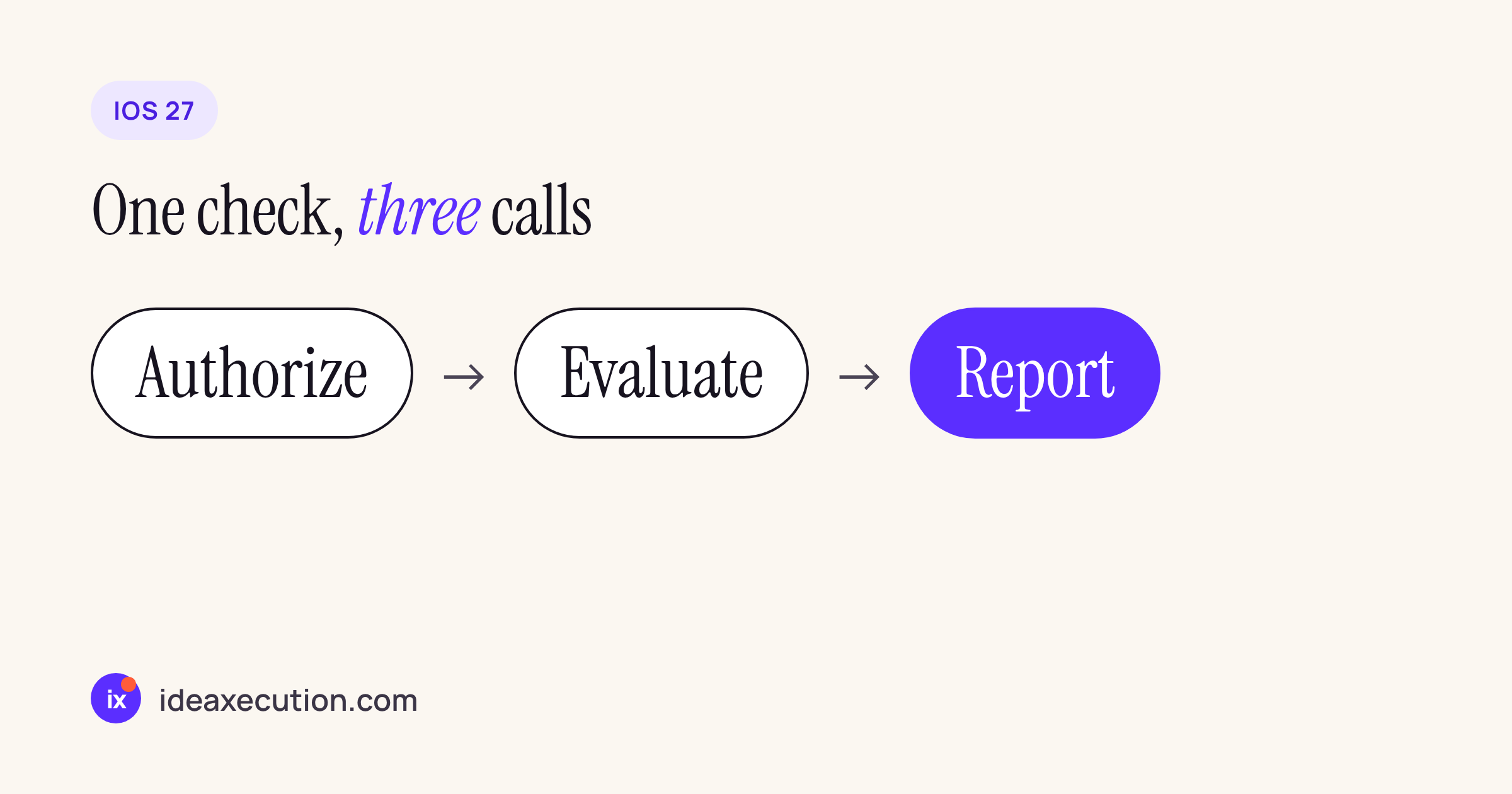
The three calls every coaching check makes, in order.
Consent comes first
Trust Insights needs the person’s permission, and they keep control of it. From the session: “Users have full control and can disable Trust Insights within Settings”, and “a cooldown period may apply after disabling, to protect users who may have themselves been coached into turning it off.” That cooldown is a nice touch: a scammer who tells the victim to switch the feature off does not get an instant result.
Apple’s sample code shows five authorization states: .authorized, .notDetermined, .deniedRequestable, .denied and .unavailable. Ask at a calm moment, not in the middle of a transfer. The sample’s comment says to “present a screen that explains the benefits of opting into trust insights” before calling requestAuthorization(for:). In a bank app that belongs in onboarding or the security settings screen, next to Face ID.
A coaching check before a transfer
The sketch below runs when the customer confirms a transfer to a new payee. It never asks for permission mid-payment; it only reads the status.
import TrustInsights

enum TransferCheck {
    case standard      // our normal checks only
    case addFriction   // delay, payee name check, scam warning
    case holdAndCall   // stop, ask the customer to call us
}

func coachingCheck() async -> TransferCheck {
    let request = IsLikelyBeingCoachedInsight.request(
        schema: .version1, modelVersion: .current)
    let context = InsightEvaluator.InsightContext(
        operationCategory: .payment,
        requestedEvaluations: request)
    let evaluator = InsightEvaluator()

    do {
        guard try await evaluator.authorizationStatus(for: context)
                == .authorized else { return .standard }

        let assessment = try await evaluator.requestEvaluation(context: context)
        switch try assessment.insight.outcome.get() {
        case .high:
            assessment.reportConsumption(.usedIncreasedFriction)
            return .holdAndCall
        case .medium:
            assessment.reportConsumption(.usedIncreasedFriction)
            return .addFriction
        case .unknown:
            assessment.reportConsumption(.usedUnchangedFriction)
            return .standard
        @unknown default:
            assessment.reportConsumption(.usedUnchangedFriction)
            return .standard
        }
    } catch {
        return .standard
    }
}
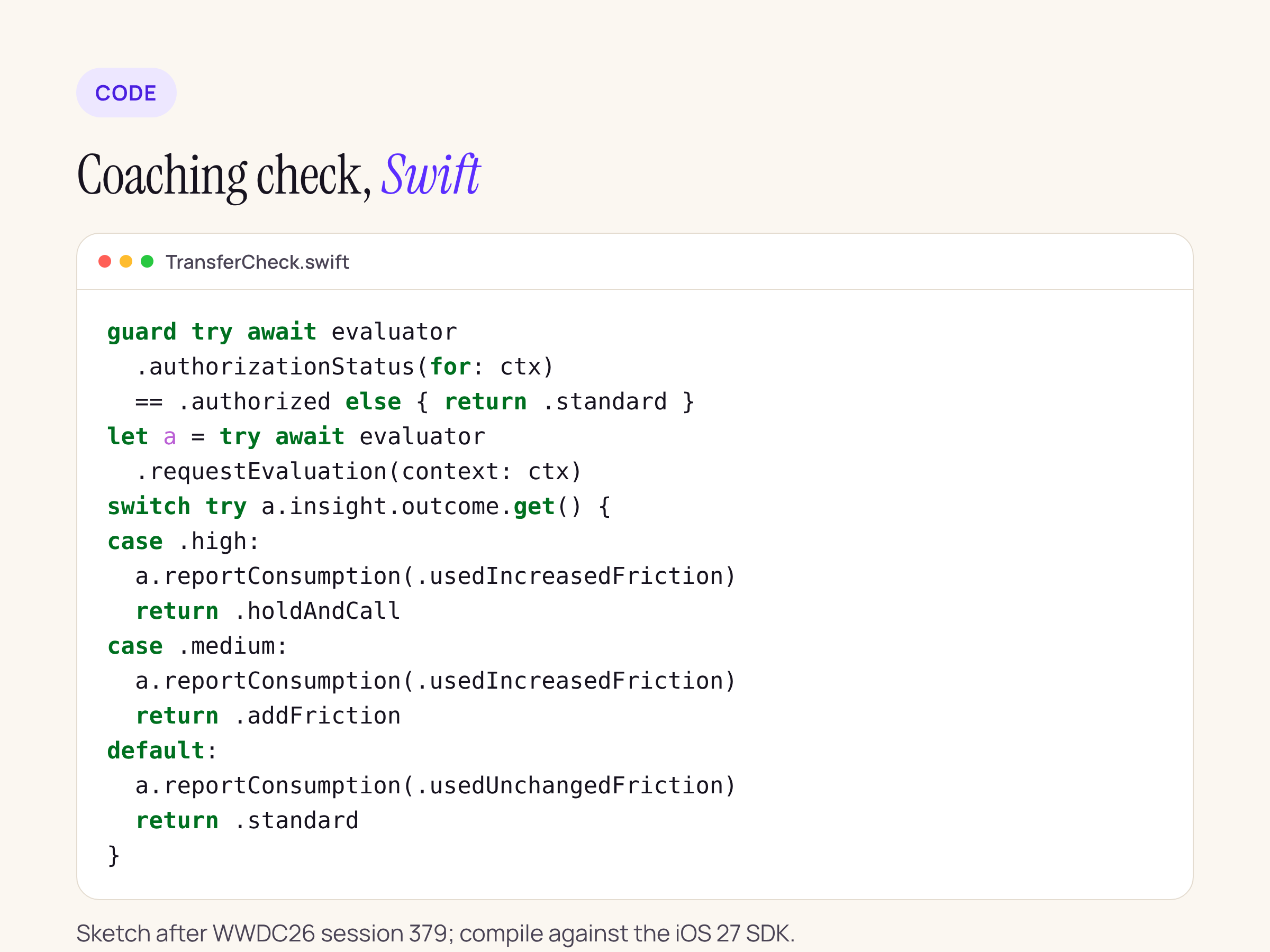
The same check as a card: read the status, evaluate, report what you did.
Three details from the session matter here. Report consumption in real time from the app: “To avoid rate limits you must submit real-time insight feedback directly in your app.” The full list of report values is usedReducedFriction, usedUnchangedFriction, usedIncreasedFriction, notUsedNotNeeded, notUsedError and usedEvaluationOnly; send notUsedError when your own flow fails after the evaluation. Later fraud labels, such as a confirmed scam reported a week after the payment, go through Apple Business Register, not the app. And during development requests “hit a sandbox environment”, so do not tune thresholds on what a test build sees.
What we do with each level
This is the table we would hand a product owner for a Beacon-type app. It only ever adds friction: there is no “low” level, so nothing here relaxes your existing checks.
| Result | Transfer to a new payee | Password or device change |
|---|---|---|
high |
Hold the payment, show a full-screen “Stop: is someone telling you what to do?” message with a call-us button, confirm by phone | Hold the change, require a call or a branch visit |
medium |
A cooling-off delay, show the payee’s verified name, a plain scam warning the customer must read | Re-authenticate and send a notice to the old contact details |
unknown |
Normal checks | Normal checks |
| Not authorized, unavailable or an error | Normal checks; do not read this as safe | Normal checks |
Two notes on the wording. Apple’s own reference says “coaching may not necessarily be malicious”: a grandchild helping on a call is coaching too. So a high result should lead to a conversation, not a closed account. And use operationCategory: .account for credential changes, not .payment; the category is part of what Apple evaluates.
React Native and Android
There is no Trust Insights module on npm that we could find, so a React Native bank app needs a small native module that wraps the function above and returns the three-way decision to JavaScript. Keep the decision logic in Swift, close to the API, and let JavaScript only render the screen. Android has no matching on-device API; on that side the Play policy and FLAG_SECURE controls from our earlier post are what you have.
What to check in your own app
- Add the entitlement and confirm your provisioning profile carries it.
- Put the opt-in screen in onboarding or security settings, never in the payment flow.
- Call the check only on risky operations: new payees, larger amounts, credential and device changes.
- Send a consumption report on every path, including errors.
- Update the in-app security help with the customer’s side: Settings > Privacy & Security > Impersonation Risk Detection > Share with App Developers.
- Make sure
unknownand every failure path fall through to your normal checks, never to fewer checks.