Short answer: a fresh React Native 0.88.1 app with nine popular native libraries does not build with Gradle Isolated Projects turned on. On our M1 lab Mac (Gradle 9.4.1 from the 0.88.1 template, JDK 17) the build fails in about one second with one hard error in Reanimated and 4,309 recorded problems, and 121 of the 197 problem locations in Gradle’s report come from React Native’s own Gradle plugins, not from the libraries. The configuration cache on its own works fine on the same app. If you want to get ahead of Isolated Projects, turn on the configuration cache now and wait for React Native’s plugin before chasing library fixes.
Why we did this: our banking app and our TV app share Gradle convention files, and the Android Studio Stingray 1 Canary 1 notes (16 Nov 2026, AGP 9.6.0-alpha04) list a fix for an Android app that “will soon fail under Isolated Projects” when it uses implementation(project(...)) (issue 582417470). We wanted to know how far a React Native build is from that line before AGP pushes on it.
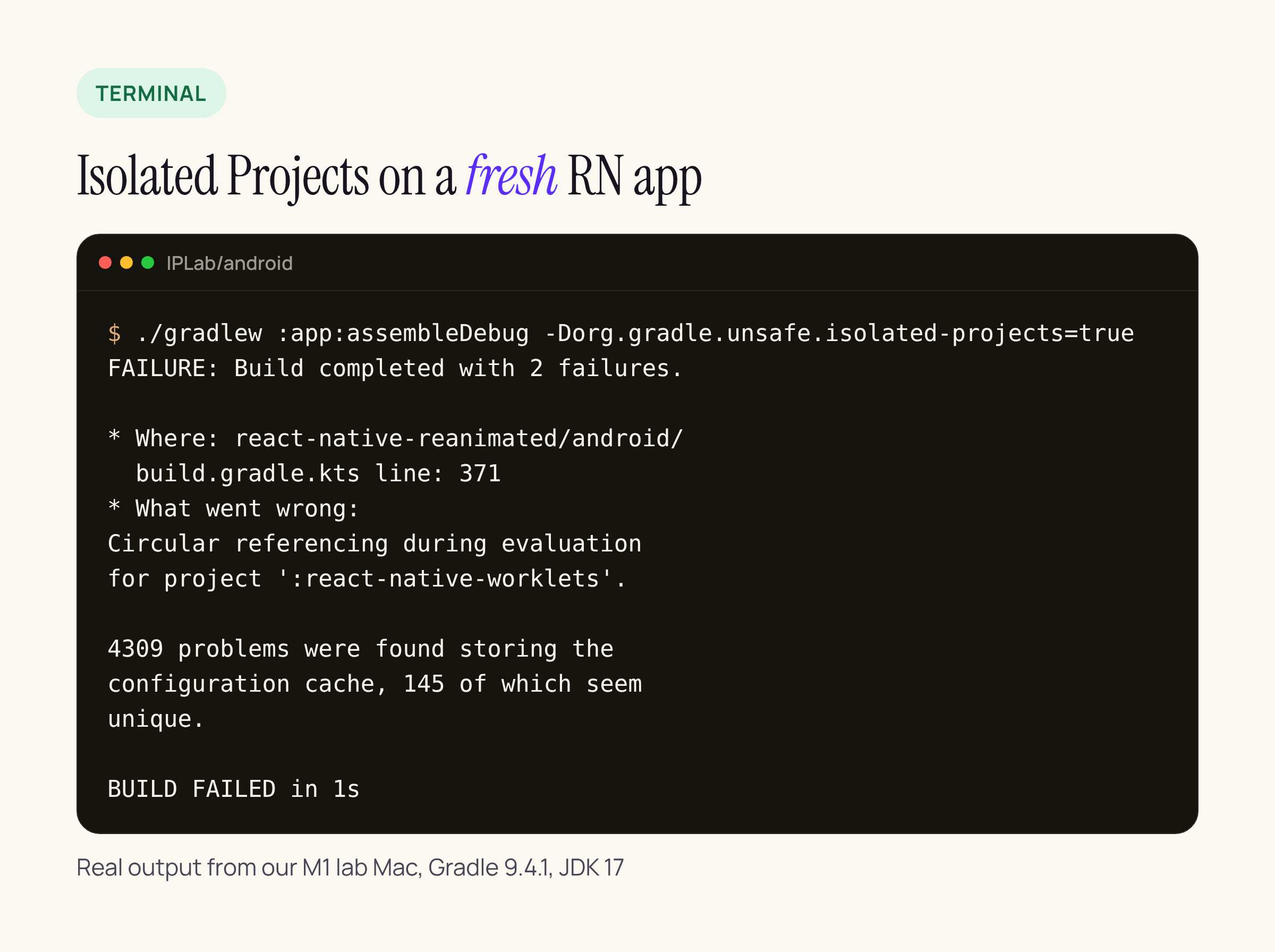
Real output from our M1 lab Mac: the isolated build stops during configuration.
What we built and how we ran it
A new app from the React Native 0.88.1 template (@react-native-community/cli 20.2.0), plus nine libraries at exact versions:
- react-native-screens 4.30.1, react-native-safe-area-context 5.11.1
- react-native-reanimated 4.7.1 with react-native-worklets 0.13.1
- react-native-gesture-handler 3.5.0, react-native-svg 15.16.1
- react-native-mmkv 4.3.2 with react-native-nitro-modules 0.37.2
- @react-native-async-storage/async-storage 3.1.1
The template ships the Gradle 9.4.1 wrapper, so that is what we used (we covered the newer Gradle 9.9.2 and AGP 9.5.2 pins for 0.88 separately). Every build targeted arm64-v8a only. We ran the same :app:assembleDebug in three modes:
# plain
./gradlew :app:assembleDebug --no-configuration-cache -PreactNativeArchitectures=arm64-v8a

# configuration cache only
./gradlew :app:assembleDebug --configuration-cache \
  -Dorg.gradle.configuration-cache.problems=warn -PreactNativeArchitectures=arm64-v8a

# Isolated Projects (problems as warnings, so Gradle lists all of them)
./gradlew :app:assembleDebug -Dorg.gradle.unsafe.isolated-projects=true \
  -Dorg.gradle.configuration-cache.problems=warn -PreactNativeArchitectures=arm64-v8a
Gradle’s current documentation names the switch org.gradle.isolated-projects (and a --isolated-projects flag) and says the older org.gradle.unsafe.isolated-projects name is still accepted; on 9.4.1 the unsafe property is the one to use. Isolated Projects is still incubating, and it turns the configuration cache on with it.
The results, one Mac, one run
| Mode | Result | Wall time on our M1 lab Mac |
|---|---|---|
Plain, configure only (--dry-run) |
passed | 57 s |
| Configuration cache, configure only, first store | passed, entry stored | 409 s |
| Isolated Projects, configure only | failed | about 1 s |
| Plain, full debug build | passed, 274 tasks executed | 158 s |
Configuration cache, full debug build after clean |
passed, entry stored | 100 s |
| Isolated Projects, full debug build | failed, 4,309 problems | about 2 s |
These are single runs on one machine with a warm Gradle daemon, not benchmarks. The 100 s build ran after the 158 s one, so native outputs that clean does not remove probably helped it; do not read the gap as a configuration cache speed-up. The 409 s first store was a surprise and we would rerun it before trusting it.
The point of the table is the third and last rows: under Isolated Projects the build never gets past configuration.
The hard failure: Reanimated waits on Worklets
The only error that stops configuration outright comes from react-native-reanimated/android/build.gradle.kts, around line 371:
if (project != rootProject) {
    evaluationDependsOn(":react-native-worklets")

    afterEvaluate {
        tasks.named("externalNativeBuildDebug").configure {
            dependsOn(findProject(":react-native-worklets")!!
                .tasks.named("externalNativeBuildDebug"))
        }
    }
}
evaluationDependsOn plus reaching into another project’s tasks is exactly what Isolated Projects forbids, and Gradle reports it as “Circular referencing during evaluation for project ‘:react-native-worklets’”. Until Reanimated wires its native build to Worklets through a published artifact or a shared build service, every app that uses Reanimated 4.7 stops here.
Where the other problems come from
Gradle counted 4,309 problem occurrences, 145 unique by its own summary. The HTML report lists 197 distinct problem locations. We grouped them by the build script or plugin that raised them:
| Source | Problem locations | Typical problem |
|---|---|---|
React Native Gradle plugin (com.facebook.react, applied in every library) |
98 | dynamic property lookup in the parent project |
React Native root project plugin (com.facebook.react.rootproject) |
23 | configures subprojects from the root |
@react-native/gradle-plugin included build |
5 | allprojects { tasks... }, parent property lookups |
app/build.gradle (template) |
6 | reads ext and layout of the root project |
| AGP application plugin, Spotless | 5 | access to other projects’ state |
| react-native-screens 4.30.1 | 11 | rootProject.ext, parent lookups |
react-native-mmkv 4.3.2 (incl. fix-prefab.gradle) |
9 | rootProject.hasProperty("newArchEnabled") |
| react-native-nitro-modules 0.37.2 | 8 | same pattern as mmkv |
| react-native-safe-area-context 5.11.1 | 7 | rootProject.ext |
| react-native-gesture-handler 3.5.0 | 6 | rootProject.ext.has(prop) in safeExtGet |
| async-storage, Reanimated, Worklets | 5 each | rootProject.ext, extensions of other projects |
| react-native-svg 15.16.1 | 4 | rootProject.ext |
By kind, 86 of the 197 are “cannot dynamically look up a property in the parent project”, 30 are hasProperty or properties on the root project and 23 are reads of the root project’s ext. The rest are reads of another project’s layout, extensions, plugins or state.
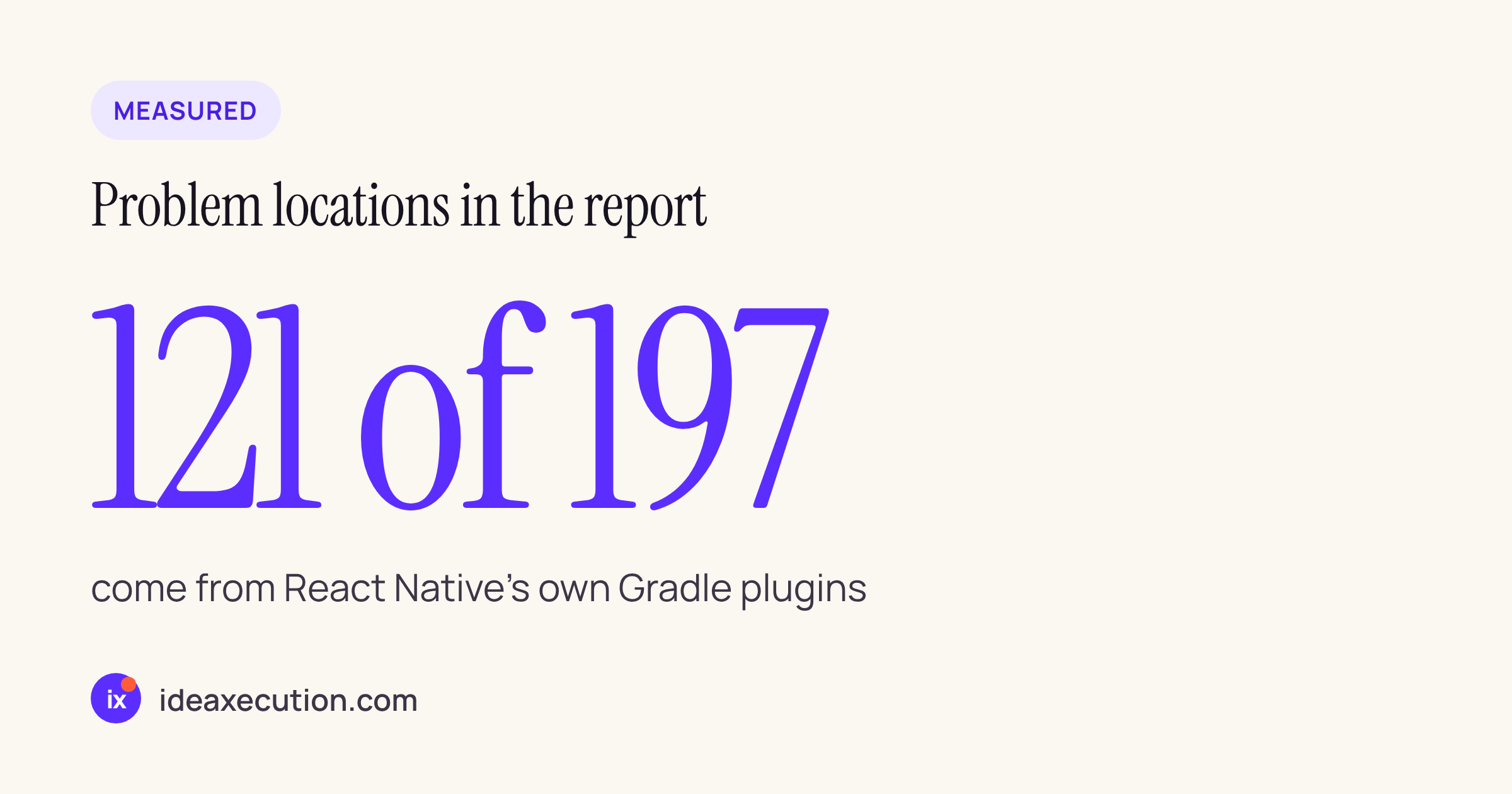
React Native’s plugins account for most of the report, so library fixes alone will not make the build pass.
The pattern to change in a library build file
Nearly every library carries some version of safeExtGet, which reads the root project’s ext block, and a newArchEnabled check against the root project. Under Isolated Projects a project may read Gradle properties, but not another project’s mutable state. A sketch of the change, to adapt and compile against your own build:
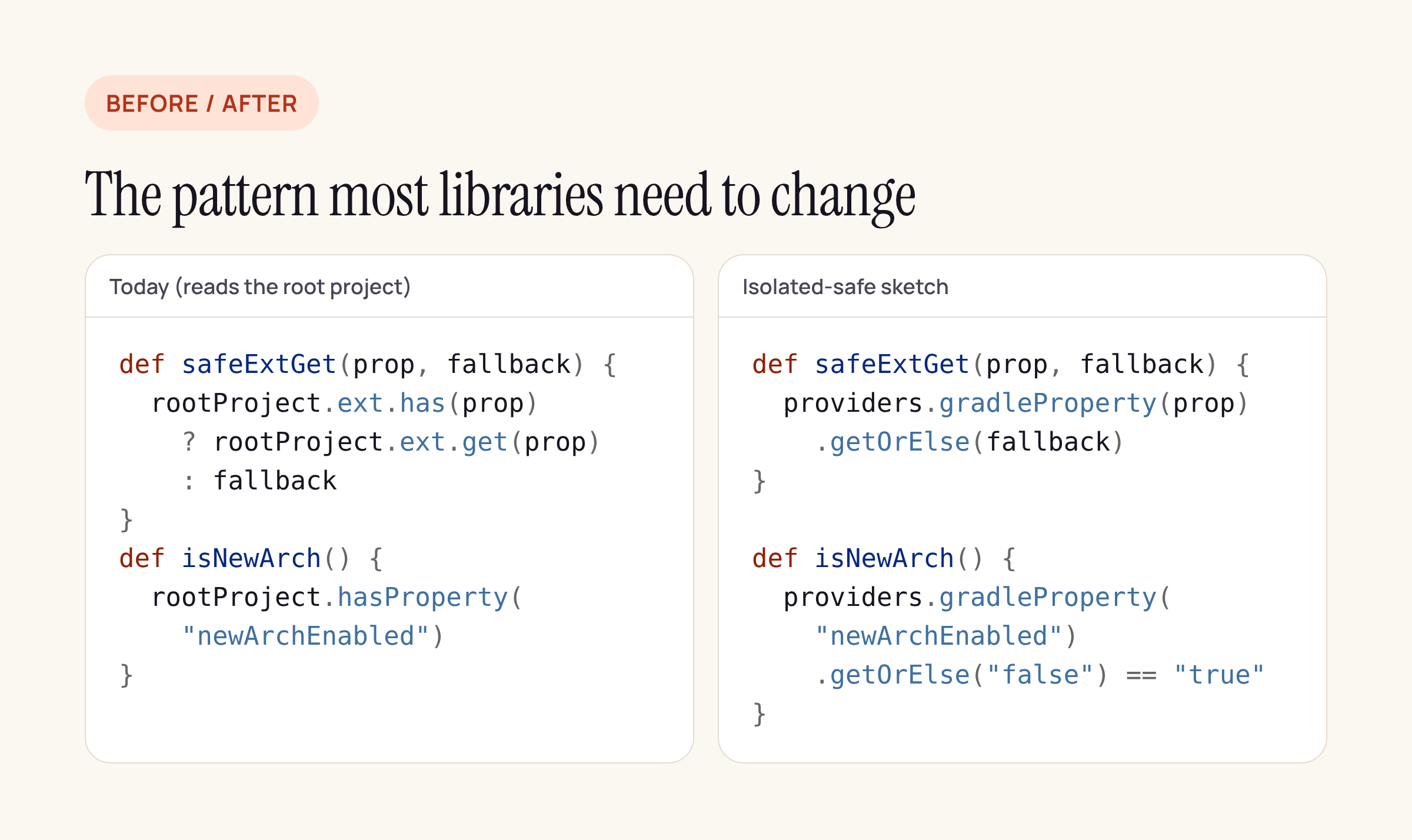
Read values from Gradle properties (gradle.properties or -P) instead of the root project.
def safeExtGet(prop, fallback) {
  providers.gradleProperty(prop).getOrElse(fallback)
}

def isNewArchitectureEnabled() {
  providers.gradleProperty("newArchEnabled").getOrElse("false") == "true"
}
The catch: apps that set compileSdkVersion or ndkVersion in the root build.gradle ext { } block would have to move those values to gradle.properties or a version catalog, and the React Native template still uses that ext block. That is why this has to start in React Native’s own template and plugin.
What to do in your own app today
- Turn on the configuration cache (
org.gradle.configuration-cache=trueingradle.properties). On this app it stored a cache entry and built; check your own report for anything it lists. - Do not enable Isolated Projects in a React Native app yet. It cannot pass until the React Native Gradle plugin and Reanimated change.
- In your own convention files and any in-house native modules, replace
rootProject.extandrootProject.hasPropertyreads withproviders.gradleProperty(...)now. That part is in your control, and it is the same change the libraries will need. - Run
./gradlew :app:assembleDebug --dry-run -Dorg.gradle.unsafe.isolated-projects=true -Dorg.gradle.configuration-cache.problems=warnand openandroid/build/reports/configuration-cache/.../configuration-cache-report.htmlto see your own list. On our app it took about a second.
Sources
- Android Studio Stingray 1 Canary 1 release notes (16 Nov 2026), issue 582417470
- Gradle: Isolated Projects
- Build files quoted from the npm packages listed above, as installed in the test app