The short version: App Review keeps accepting submissions over the holidays, but Apple has warned before that reviews take longer in the last week of December. In its 2024 notice, posted on 2 December, Apple asked developers to submit time-sensitive builds early because “reviews may take longer to complete from December 20-26”. So plan for your holiday build to be approved well before 20 December, release it yourself with manual release, roll it out with phased release so you can pause it, and keep expedited review for a genuine critical bug. Anything seasonal that must appear on a fixed date is safer unlocked by date inside a build that was approved weeks earlier.
This plan is built from Apple’s App Store Connect help pages and Apple’s developer news, read on 27 November 2026. Apple has not posted a 2026 holiday notice yet; when it does, this post will be updated with its dates. We do not quote review times of our own: the only figures below are the ones Apple publishes.
Why we did this: Cardigami, our pop-up card app for iPhone and iPhone Duo, has six winter cards arriving between 27 December and 1 February, right across the slowest review weeks of the year. The same question applies to the banking apps we build for clients: what is the last safe day to ship before the break?
What Apple says about the holiday weeks
From the 2024 Apple developer news item, “Get your apps and games ready for the holidays” (2 December 2024):
App Review will continue to accept submissions throughout the holiday season. Please plan to submit time-sensitive submissions early, as we anticipate high volume and reviews may take longer to complete from December 20-26.
Outside that window, Apple’s App Review page says App Review “works around the clock, typically reviewing at least 50% of submissions in less than 24 hours and 90% in less than 48 hours”. That is Apple’s own average, not a promise for a single build, and the holiday notice exists because those numbers stretch at the end of December.
The search spike follows the notice every year, and the dates in it are what matters. If Apple’s 2026 notice moves the window, the rest of the plan still holds; only the “submit by” date changes.
The release controls, side by side
Every row comes from Apple’s documentation, linked in the first column.
| Control | What it does | Holiday use |
|---|---|---|
| Manual release | After approval the version waits as “Pending Developer Release” until you click Release This Version. Apple emails a reminder after 30 days in that state. | Get approved early, release on the day you choose. |
| Scheduled release | “Automatically release this version after App Review, no earlier than” a date and time you enter. | Approval can land any time before the date; the release does not go out before it. |
| Phased release | Rolls an update out over 7 days to users with automatic updates: 1%, 2%, 5%, 10%, 20%, 50%, 100%. Pausable for a total of 30 days; Release to All Users at any time. Anyone can still download it manually from the App Store. | A bad crash on day 2 reaches a small share of users, and you can pause while you fix it. |
| Expedited review | Only for a submission already sent to App Review. Request it through Apple’s contact form; reserved for “matters of genuine urgency”: a critical bug fix, or an event the app is directly tied to. | The safety net for a broken release, not a plan for a late feature. |
| TestFlight | A build can be tested for up to 90 days, then it becomes unavailable to testers. | A build uploaded in mid September expires in mid December; upload a fresh one before the break. |
A holiday release in three moves
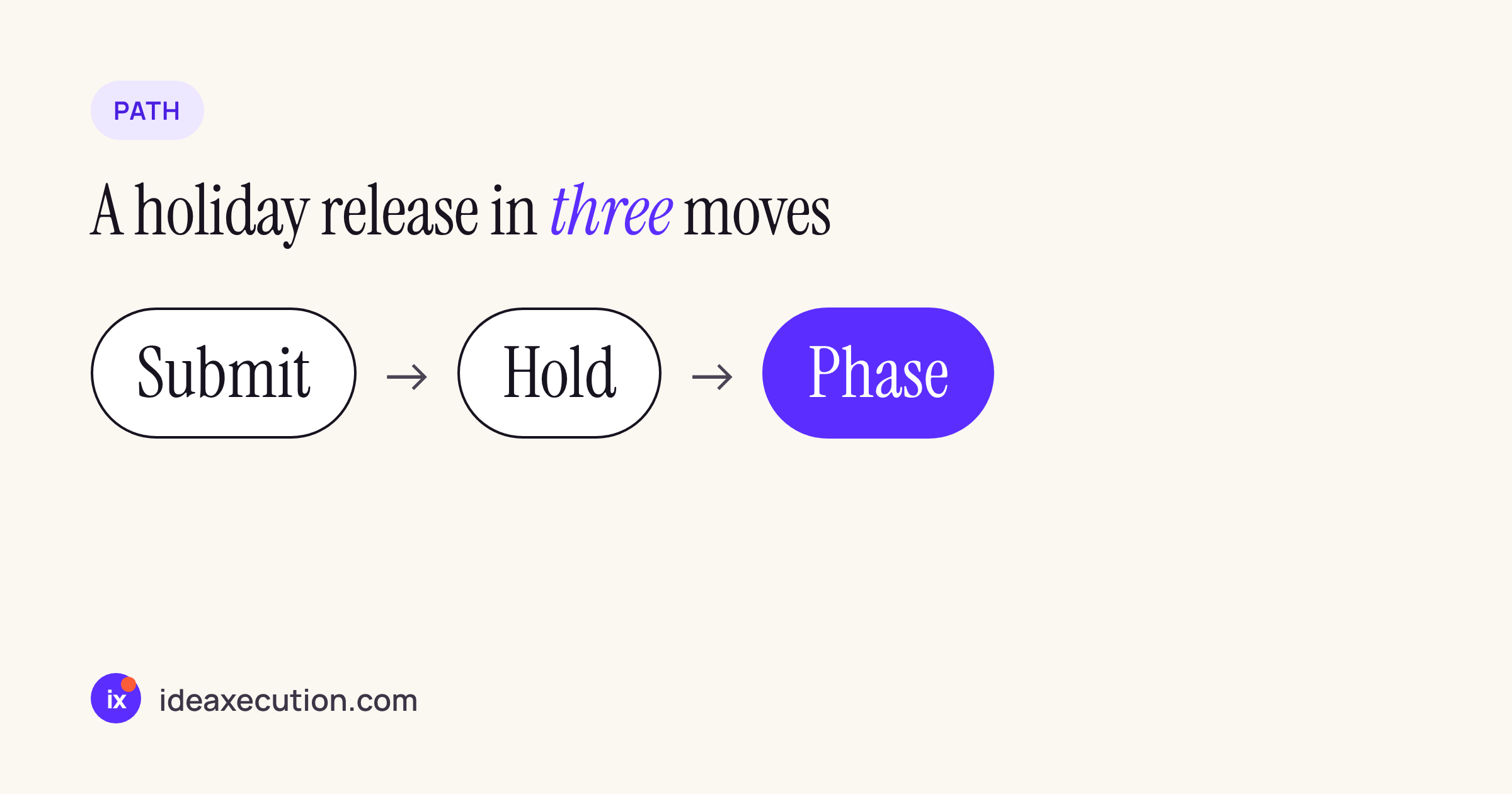
The plan in one line: approved early, released on your day, rolled out slowly.
- Submit early. Treat the start of Apple’s slow window (20 December in the 2024 notice) as the date your build should already be approved, not the date you submit. Give yourself a full review cycle and one rejection before it.
- Hold with manual release. Choose “Manually release this version” so an approved build waits for you. If you need it out at a fixed moment, the “no earlier than” option does the same job without someone pressing the button.
- Phase the rollout. Turn on phased release for updates. It only affects automatic updates, and you can pause it for up to 30 days in total while a fix goes through review.
If something breaks after release, pause the phased rollout first, then submit the fix and request expedited review with the reproduction steps in the Notes field, as Apple’s expedite page asks.
Ship in the binary, or unlock on a date
The bigger decision is where a seasonal feature lives. A feature that needs a new build has to pass review in the busiest week of the year and reaches only people who update. A feature that is already in an approved build and opens on its date needs nothing from App Review in that week.
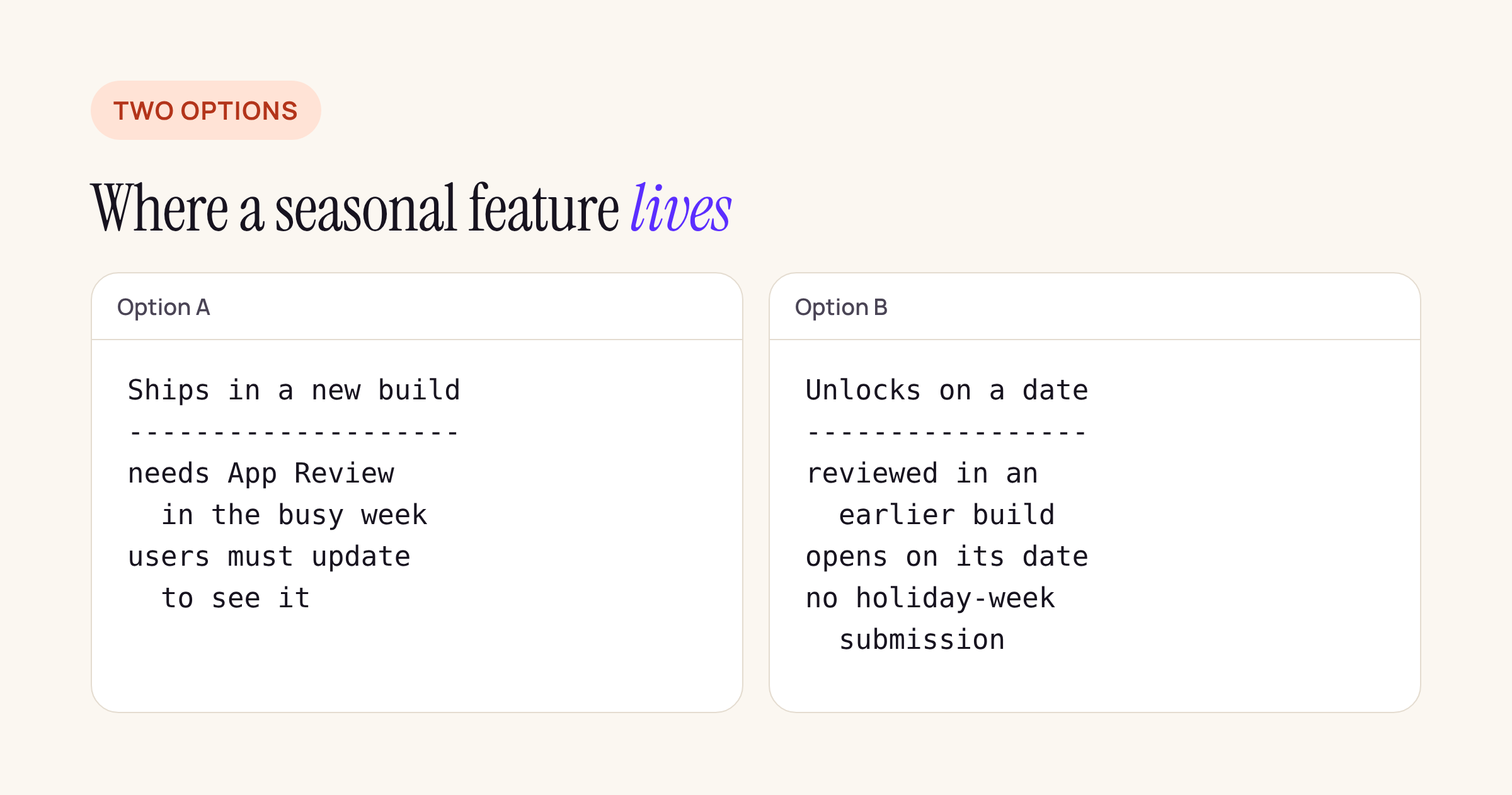
The second option moves the review risk to November.
That is the choice we made for Cardigami. The six winter cards are listed in the app under “Coming soon” with a “Remind me” button, and each one opens on its day: Midnight on 27 December, Three Kings on 1 January, Kites for Makar Sankranti on 8 January, Lunar New Year on 27 January, Love Letter and Two Swans on 1 February. Nobody on the team has to win a holiday-week review for a card to arrive on time.
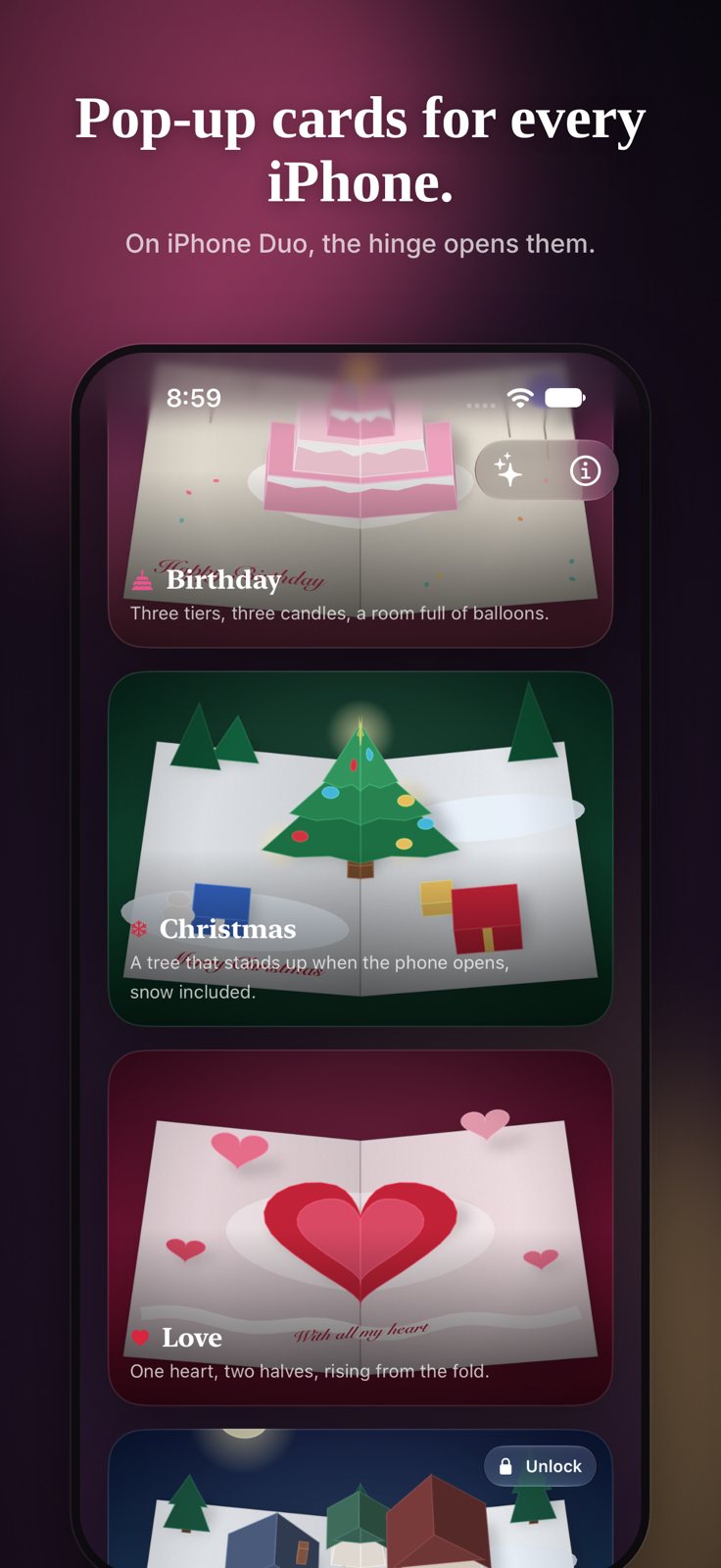
The Cardigami card picker: cards that arrive later are already listed.
A date gate can be as small as this. Treat it as a sketch to adapt to your own content model:
struct SeasonalItem {
  let id: String
  let opensOn: DateComponents   // year, month, day

  func isOpen(now: Date = .now,
              calendar: Calendar = .current) -> Bool {
    guard let date = calendar.date(from: opensOn) else { return false }
    return now >= calendar.startOfDay(for: date)
  }
}
Two things to decide before you rely on it. First, whose midnight counts: Calendar.current opens the item in each user’s own time zone, which suits a greeting card; a sale that must start everywhere at once needs a fixed time zone or a server flag. Second, what the locked state shows: a dated “coming” tile with a reminder is honest and keeps users from thinking the feature is missing.
Content that unlocks on a date must still be honest with App Review: the reviewer should be able to see that the item exists and when it opens, and your review notes can say so.
A checklist for the next three weeks
- Find your last-safe approval date: 20 December if Apple repeats the 2024 window, earlier if your release also needs a backend change.
- Upload a fresh TestFlight build if the current one is near its 90 days.
- Set the release option to manual or “no earlier than” on every December version.
- Turn on phased release for updates, and agree who may press Pause and Release to All Users over the break.
- Move anything seasonal into a build that is approved before the slow week, unlocked by date or by a server flag.
- Write the expedite request text now: the bug, the steps to reproduce, the event and its date if there is one.
- Watch Apple’s developer news for the 2026 holiday notice and adjust the dates above if they change.